Maximize Your Audio Potential with Volume Booster GOODEV
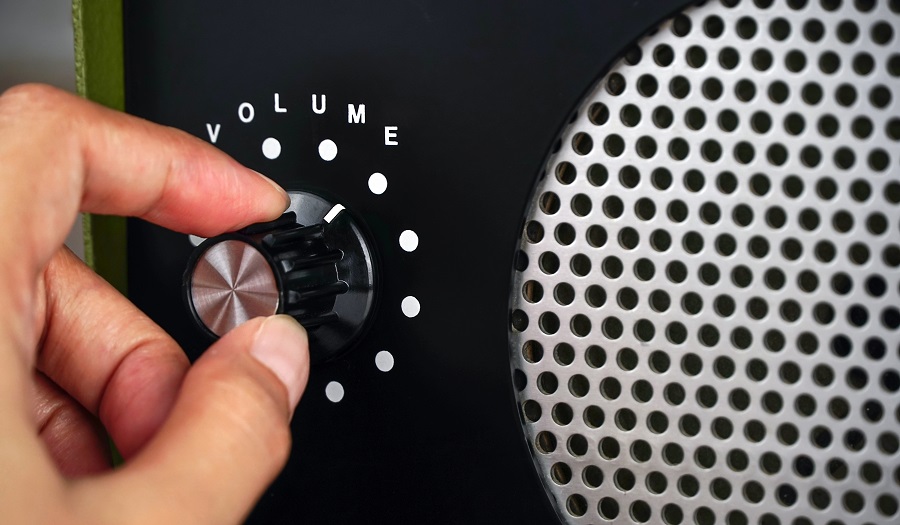
If you have ever found yourself squinting your ears to hear a quiet movie dialogue or struggling to enjoy a podcast over the hum of a fan, you know the frustration of limited audio volume. Most devices come with a safety cap or hardware limitations that keep the sound output at a moderate level. While this is great for protecting your hardware, it is often insufficient for real-world usage. Enter Volume Booster GOODEV, a straightforward utility application designed to shatter those invisible glass ceilings and push your speakers to their absolute limit.
What is Volume Booster GOODEV?
Volume Booster GOODEV is not a game or a social media platform; it is a dedicated audio tool. It belongs to the category of system utility apps, specifically designed to override the default volume maximums set by your operating system. While originally built for the Android ecosystem, its utility has made it a sought-after tool for PC users who run it through emulation to fix the quiet audio output often found on laptops and budget desktop speakers.
The core appeal of this app lies in its minimalism. In an era where apps are bloated with ads, social logins, and complex equalizers that require an audio engineering degree to understand, GOODEV sticks to the basics. It presents the user with a simple, no-nonsense interface featuring one primary function: making things louder.
The Core Experience: Simplicity and Power
When you launch the application, you are not greeted by a splash screen of animations or a tutorial. Instead, you see a small window with two sliders. The first slider controls the standard system volume, which you can already adjust via your device keys. The second slider, labeled Boost, is where the magic happens.
This Boost slider allows you to amplify the sound output significantly beyond the 100% mark. The app works by modifying the audio signal before it hits the hardware, effectively increasing the gain. This is particularly useful for media that was recorded at a low level. For example, older movie rips, amateur podcasts, or voice memos often suffer from poor audio mixing. Volume Booster GOODEV acts as a pre-amplifier, lifting these quiet sounds to a perceptible level without the need for professional editing software.
Features that Matter
The feature set is intentionally lean, focusing on performance rather than bells and whistles.
Boost Control
The primary feature is the boost percentage. Users can slide the bar to increase volume incrementally. This granular control is vital because jumping straight to maximum boost can be jarring and dangerous for your equipment.
Non-Root Functionality
Unlike many deep-system audio tweaks that require rooting your device or modifying system files, Volume Booster GOODEV works as a standard application. This makes it accessible to the average user who wants a quick fix without voiding warranties or risking technical errors.
Background Operation
The app runs quietly in the background. Once you set your desired boost level, you can close the interface and switch to your video player, browser, or music app. The boost persists until you manually turn it off or close the app, ensuring a seamless listening experience.
The Risks: With Great Power Comes Responsibility
It is impossible to discuss Volume Booster GOODEV without addressing the warnings that the developer prominently displays. Pushing audio hardware beyond its factory limits carries inherent risks. Most laptop and phone speakers are small and delicate; they are not designed to handle high-gain frequencies for extended periods.
If you crank the Boost slider to 100% and play heavy metal or action movies with loud explosions, you risk blowing out your speakers. This physical damage results in a permanent buzzing or crackling sound. The app includes a warning for a reason. The general recommendation from the community is to keep the boost between 10% and 40%. This "sweet spot" usually provides enough extra volume to hear clearly without pushing the hardware into the danger zone where distortion and damage occur.
Why Use It on PC?
Desktop and laptop users often face unique audio challenges. Laptops, in particular, are notorious for having weak, downward-firing speakers that get muffled easily. Even with the system volume at max, the sound can be tinny and faint.
Using Volume Booster GOODEV on a PC effectively turns a quiet ultrabook into a capable media machine. It is perfect for college students trying to watch lectures in a noisy dorm, travelers watching movies on a plane without noise-canceling headphones, or anyone with a legacy audio file that is simply too quiet to hear.
Setup Guide: Running GOODEV on Windows
Since Volume Booster GOODEV is a native Android application, it does not have a standalone .exe file for Windows. However, you can run it seamlessly on your PC using an Android emulator. An emulator creates a virtual Android tablet environment on your computer, allowing you to run mobile apps as if they were desktop programs.
To get started, you will need to download a reliable emulator such as BlueStacks, LDPlayer, or MEmu. These programs are free and act as a bridge between the Android app and your Windows audio drivers.
- Download and install your chosen emulator from their official website.
- Launch the emulator and sign in to the Google Play Store with your account.
- Search for "Volume Booster GOODEV" in the Play Store search bar.
- Click install and wait for the process to finish.
- Open the app within the emulator.
Once opened, the app will control the volume output of the emulator instance. This means if you are watching YouTube or Netflix through the emulator's browser or apps, the volume boost will apply.
For a direct path to the application and more specific details on compatibility, you can check Volume Booster GOODEV which provides resources for getting the app running on your desktop environment.
Once installed, remember to start with the boost at zero and slowly inch it up. Test the audio with a familiar song or video to ensure you are not introducing distortion.
Conclusion
Volume Booster GOODEV is a prime example of a tool that does one thing and does it exceptionally well. It solves a universal problem—low volume—with a simple, free, and lightweight solution. While it demands a degree of caution to prevent hardware damage, its utility for saving quiet movies and enhancing weak speakers is unmatched. Whether you are on a mobile device or emulating it on a PC, it remains the go-to choice for anyone needing that extra decibel kick.